Owner questions
How fast should a small business website load?
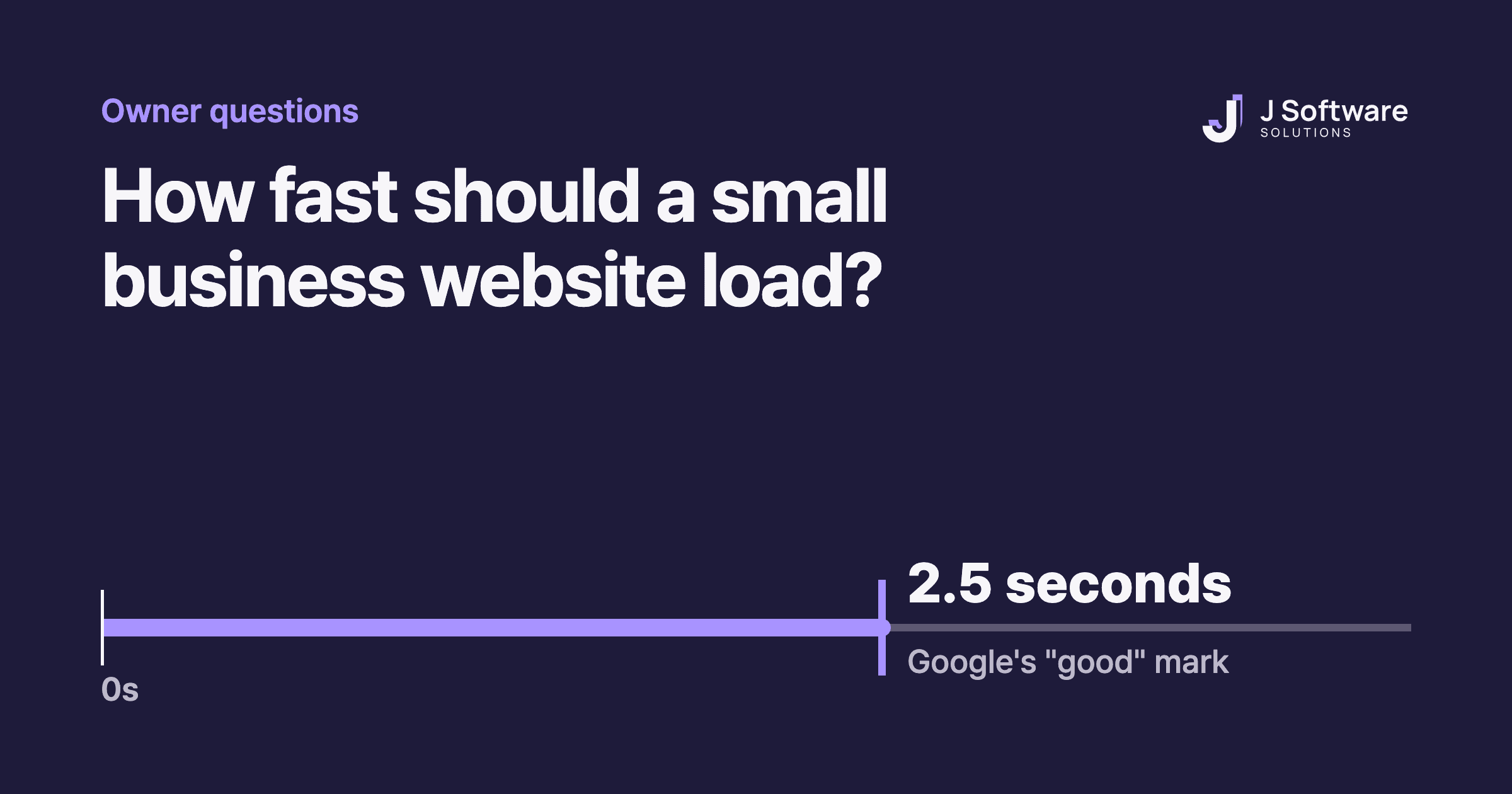
Google's benchmark is 2.5 seconds for your main content to appear. Here's what that means, how to check your own site and what usually slows it down.
Published
When someone taps a link to your website, the first few seconds decide whether they stay. Google's own guidance puts it simply: people will only put up with a slow, frustrating page for so long before they give up.
So how fast is fast enough? Google gives a clear number, and you can check your own site in about a minute.
The short answer: 2.5 seconds
Google measures loading with something called Largest Contentful Paint: how long it takes for the biggest image or block of text on the screen to appear. Google's benchmark for a good result is 2.5 seconds or less.
Two details are worth knowing:
- It isn't the time for the whole page to finish. It's the time until the main content people see first is on screen.
- It's judged across many visits, not one. Google looks at the 75th percentile, so roughly three in four visits should load within 2.5 seconds, measured separately on mobile and desktop.
Loading speed is one of three numbers Google watches
LCP is one of Google's three Core Web Vitals. Together they describe how a page feels to use:
- Loading (LCP): the main content appears within 2.5 seconds.
- Responsiveness (INP): the page reacts to a tap or click within 200 milliseconds.
- Stability (CLS): things don't jump around while the page loads, with a score of 0.1 or less.
Google's advice to site owners is to get good results on all three for success with Search. Speed won't make up for a page that doesn't answer the visitor's question, but a slow page makes a good answer harder to reach.
Check your own site in a minute
- Open pagespeed.web.dev (PageSpeed Insights, a free Google tool).
- Paste your homepage address and run the test.
- Look at the Mobile results first, then Desktop.
- Find Largest Contentful Paint and compare it with 2.5 seconds.
You may see two kinds of results. Real-user data comes from actual Chrome visitors and shows what people really experienced. The lab test is a single run from Google's servers, and it's most useful for finding what to fix.
If your site doesn't get many visitors yet, PageSpeed Insights may not have enough real-user data to show. That's normal for small sites. Use the lab results until it does.
You'll also see a performance score out of 100: 90 or above is good, 50 to 89 needs improvement and below 50 is poor.
What usually slows the main content down
Google breaks LCP into four parts. In plain terms, a slow result usually comes from one of these:
- The server is slow to respond. Common causes are redirects, a server far from your visitors, or pages that aren't cached.
- The browser finds the main image late. For example, it's added by a script, or it's set to load only when needed (lazy loading).
- The image is too big to download quickly. A large photo straight from a camera or phone is a common culprit.
- Something blocks the page from showing. Heavy stylesheets or scripts can hold everything up until they finish.
The good news is that the first fixes are often small. Google's own recommendations include never lazy-loading the main image, keeping redirects to a minimum and making sure the browser can find the main image straight away.
When it's worth fixing
If your mobile LCP is comfortably under 2.5 seconds, speed probably isn't your biggest problem. Your time is better spent on clear content and making it easy to get in touch.
If it's over, start with the main image and any redirects before considering anything bigger like a rebuild. Then test again with the same tool, so you know the change actually helped.
Fast loading is part of the basics on every website we build, along with working well on phones and the SEO basics.