Common questions
Can I build an app without coding? An honest look at no-code
Can you build an app without coding? An honest look at no-code for small businesses: how it differs from low-code, when it's enough and where it gets hard.
Published
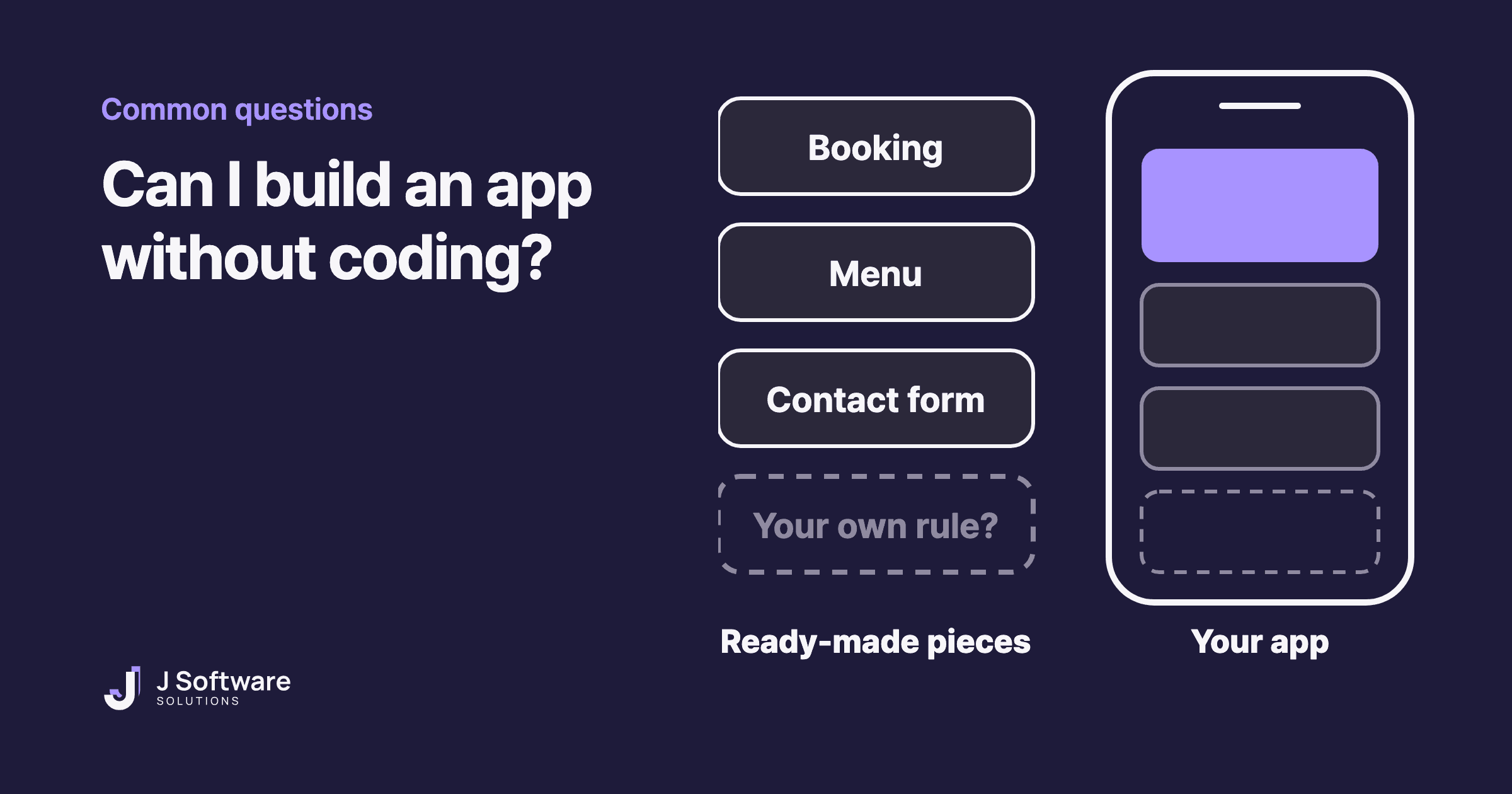
You've probably heard that you can build an app without knowing how to code. No-code app builders promise exactly that. So can you? And should you?
Here's an honest answer from people who write code for a living: often, yes, as long as what you need is fairly simple. This guide covers what no-code is, how it differs from low-code, when it's enough and where it gets hard.
The short answer
If you need a simple website, a booking or enquiry form, a basic order page or a small tool for your team, a no-code app builder can do the job. IBM describes no-code's main strength as letting non-technical people build relatively simple applications. It gets harder when you need rules that are unique to your business, or lots of connections to other systems.
What is no-code?
No-code means building an app or website without writing code. Instead of typing code, you arrange ready-made pieces such as forms, lists and buttons on a screen, usually by dragging and dropping them. The code still exists. As IBM puts it, it's built into the platform, so you don't have to write it yourself.
Heard of low-code? How it differs from no-code
Low-code tools also use drag-and-drop and ready-made pieces, but they still involve some coding. IBM describes low-code as building applications with minimal hand coding, and says it's often used by professional developers to speed up the routine parts of their work.
- No-code: for business owners and teams who don't write code. Quickest to start, least flexible.
- Low-code: usually for developers or tech-savvy teams. A little code fills the gaps where the ready-made pieces run out.
IBM also notes that AI-assisted coding has blurred the line between the two. In practice, the useful question isn't which label a tool uses. It's whether its pieces fit what you need.
When no-code is enough
- A simple website. Who you are, what you offer, where you are and how to get in touch.
- Bookings, enquiries or simple orders, as long as the tool already has those pieces.
- Testing an idea. Putting a simple version in front of real customers before you invest in custom software is the same thinking as an MVP.
- Small internal tools, like a shared list or a simple form for your team.
Where no-code gets hard
- Things the pieces don't cover. IBM notes that the ready-made pieces and templates that make no-code easy also limit how far you can customise it, and that it can fall short when needs are very specific or complex. A loyalty scheme with your own rules, or pricing that depends on several things at once, is often where you feel it.
- Moving later. IBM also warns that relying on one platform can lead to vendor lock-in, which makes it hard to move to another system down the track. Some tools let you export your work and many don't, so check before you build a lot.
- Getting into the app stores. Not every no-code app is an app store app. Glide, for example, says its apps are progressive web apps that people open and install from a web browser, and that publishing to the App Store or Google Play isn't supported. Others, such as Adalo, say they build native apps for both stores. Either way, listing an app means joining the Apple Developer Program and setting up a Google Play Console developer account.
Before you choose: four checks
- List your must-have features. Not everything you'd like. Just what the business can't do without.
- Find each one in the tool. Look through its templates, feature list or help pages. If something's missing, ask whether it can be added, and how.
- Decide where people will use it. Is a link they open in the browser enough, or do customers expect to download it from an app store?
- Check how you'd move out. Can you export your data? Could you take your site or app elsewhere if you outgrow the tool?
When to bring in a developer
If one of your must-haves isn't in the tool, or the workarounds keep piling up, it's usually time to talk to a developer. A developer can build exactly the part you need, connect the systems you already use and set things up to grow with your business. Sometimes the honest answer is a mix: start with no-code, then rebuild the parts that matter most once you know what customers actually use.
Our honest take
No-code is a genuinely good option, and if it's enough for you, we'll say so. The real question isn't whether code is better. It's whether the ready-made pieces fit your business. List your must-haves, check them against the tool, and you'll usually have your answer.
What about building an app with AI? That works differently, and we'll cover it in a separate post. Wondering whether you need an app at all? Read should my business have an app. Or see our web applications and websites services.