Common questions
What is an AI agent? A simple guide for small business owners
What is an AI agent? Software that gets tasks done for you, not just answers. How it works, how it differs from a chatbot, and whether your business needs one.
Published
“AI agent” is everywhere right now. You'll hear it from software companies, in the news, and probably from someone trying to sell you one. But what is it, in simple terms, and does a small business actually need one?
Here's a plain-English guide: what an AI agent is, how it works, how it differs from a chatbot, and how to tell whether it's worth it for your business.
The short answer
An AI agent is software that uses AI to get tasks done for you. You give it a goal, and it works out the steps and carries them out. Google Cloud defines AI agents as software systems that “pursue goals and complete tasks on behalf of users”.
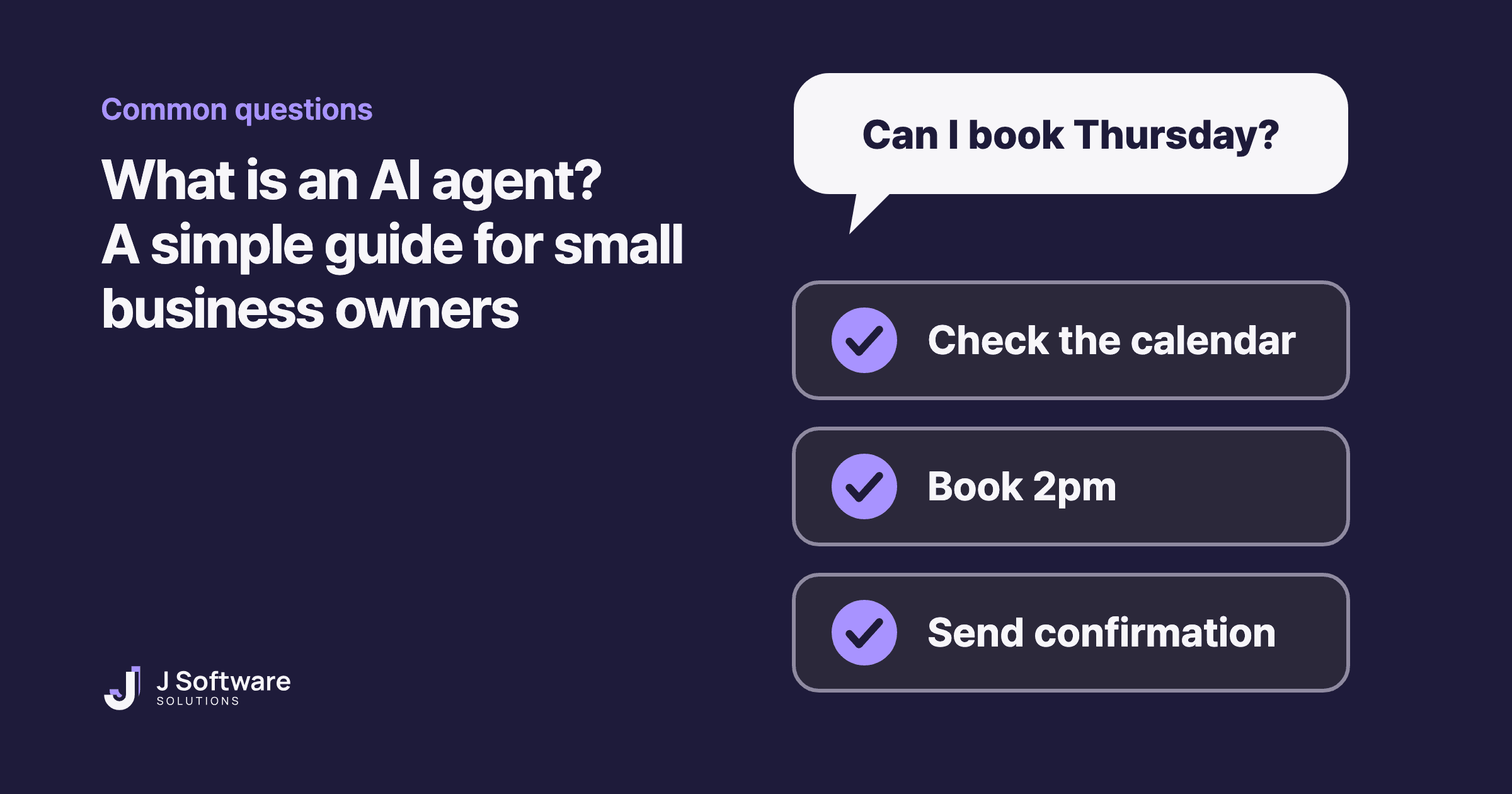
Think of a really good assistant. You don't explain every step. You say “book this customer in for Thursday”, and they check the calendar, find a free time, make the booking and confirm it.
That's the big difference from most AI tools you've used. An agent doesn't just answer. It takes action.
How does an AI agent work?
Most AI agents follow the same basic loop. Anthropic describes it like this: the agent starts from a request, plans the work, then carries it out on its own, checking real results at each step. Here's a booking enquiry, step by step:
- It gets a request. A customer messages: “Can I book a haircut on Thursday afternoon?”
- It plans the steps. Check the calendar, find a free time, make the booking, confirm.
- It uses tools. It looks at your booking system and finds 2pm free, then books it.
- It checks the result. Did the booking go through? If not, it tries another time or asks the customer.
- It stops when the job is done, or hands over to a person.
The tools are what make it an agent. Without access to your booking system, calendar or customer records, AI can only talk. With them, it can take digital actions like sending messages, updating data or triggering other processes.
Developers also set limits, such as stopping conditions, so an agent doesn't keep going in circles.
AI agent vs chatbot vs AI assistant: what's the difference?
These words get mixed up, and the lines aren't sharp. Google Cloud separates them roughly like this:
- Chatbot (bot): follows rules set in advance. Good for simple, predictable questions, like your opening hours.
- AI assistant: helps you with a task when you ask. It can suggest what to do, but you make the decisions.
- AI agent: works towards a goal on its own. It can take several steps and make decisions along the way.
So, is an AI agent the same as a chatbot? No. A chatbot answers within a script. An agent can act, like checking availability and actually making the booking. Many agents still talk to customers through a chat window, which is why the two can look the same from the outside.
What can an AI agent do for a small business?
Google Cloud groups common uses into several types. Three fit small businesses well:
- Customer service. Customer agents answer questions, sort out issues and recommend products, across your website, app or point of sale. They can work by voice too. For example: answering enquiries after hours and booking people in.
- Everyday admin. Employee agents handle repetitive tasks, answer staff questions, and help edit and translate content. For example: sorting incoming emails or turning notes into a tidy summary.
- Marketing. Creative agents help with writing, ideas and campaigns. For example: drafting social posts for you to review.
Customer support is a natural fit. Anthropic points out that support conversations follow a natural flow, need access to things like customer data and order history, and have a clear finish line: the customer's problem is either solved or it isn't.
Where people should still decide
AI agents can make mistakes, and because they act on their own, one mistake can lead to the next. Anthropic warns about this potential for compounding errors and recommends testing agents thoroughly in a safe environment, with guardrails in place.
Google Cloud also notes that agents lack the moral compass and judgment needed for ethically complex situations, and can struggle with tasks that need real empathy.
For a small business, that usually means:
- Big decisions stay with people. Refunds, exceptions, and anything involving money or a complaint.
- Sensitive conversations go to a person. An upset customer should reach a human quickly.
- Build in checkpoints. Agents can pause for human feedback, so decide where someone approves before the agent carries on.
Do you actually need one?
Not always. Anthropic's own advice to developers is to find the simplest solution possible, which might mean not building an agent at all. Google Cloud notes that agents can be unsuitable for smaller projects or organisations with limited budgets.
A simple test: if a job follows the same steps every time, a basic automation or a rules-based chatbot may do it more cheaply and more predictably. Agents earn their place when the steps can't be predicted in advance: every enquiry is a little different, and the right next step depends on what comes back.
How to start
- Write down one job you'd like to hand over. Something repetitive that takes real time, like answering booking enquiries.
- Decide who checks the results. Name the person, and what they approve: refunds, complaints, anything unusual.
- Start small and test. Try it on one channel or one type of request, watch what it does, then expand.
Our honest take
AI agents are useful, but they're not magic, and they're not right for every business. We only add AI to a website or app when it saves real time or solves a problem that software alone can't. Often the best first step is a small one, the same idea as an MVP.
Thinking about AI that answers customers and takes bookings? See our AI assistants service. Want repetitive admin off your plate? See workflow automation.