Common questions
Can I build an app with AI? An honest look at vibe coding
Can you build an app with AI? An honest look at vibe coding for small businesses: what it is, how it differs from no-code, when it works and when to be careful.
Published
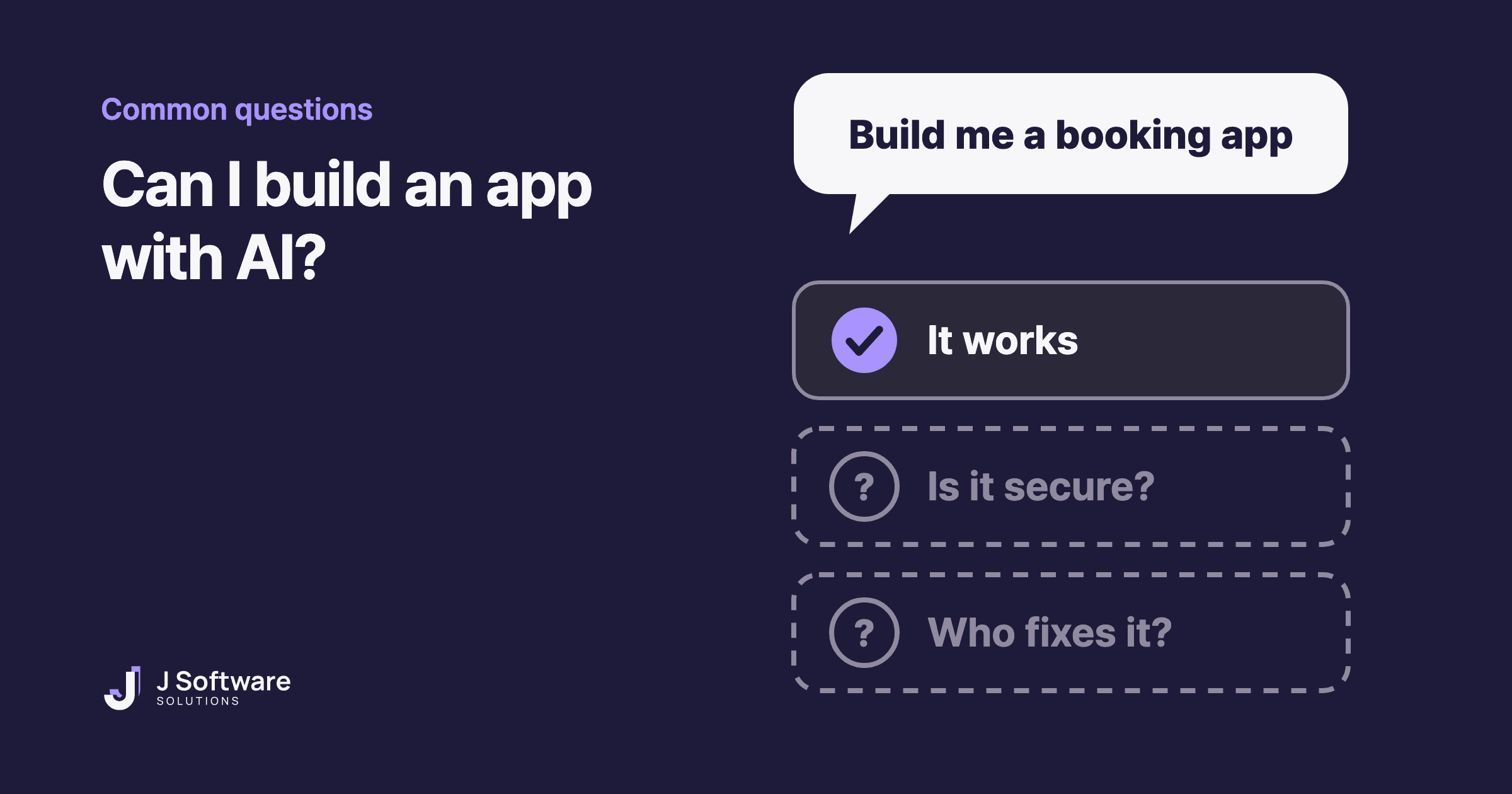
AI tools can now write code from a plain-English description. Ask for a booking app, and a few minutes later you might have something that runs. People call this vibe coding. So can you build your business app this way?
Here's an honest answer from people who build software for a living: for some things, yes. For others, you'll want someone who can read the code. This guide covers what vibe coding is, how it differs from no-code, where it works well and when to be careful.
The short answer
Vibe coding works well for a prototype, a demo of your idea or a small tool only you will use. Once real customers log in, leave their details or pay through the app, someone needs to check the code before it goes live. An app that works on screen isn't necessarily safe.
What is vibe coding?
Vibe coding means building software by describing what you want in everyday language and letting AI write the code. Computer scientist Andrej Karpathy coined the term in February 2025. As IBM explains, he described it as a way of coding where you "forget that the code even exists". Collins Dictionary later named vibe coding its Word of the Year for 2025.
How is it different from no-code?
Both let you build without writing code yourself, but they work differently.
- No-code: you arrange ready-made pieces inside one tool, so you can only build what the pieces allow. Our no-code guide covers it in detail.
- Vibe coding: AI writes real code for you. There are fewer limits on what you can build, but that code has to be understood, tested and looked after by someone.
That last part is the catch. With no-code, the tool's company looks after the code. With vibe coding, looking after the code is up to you.
It isn't one click
Vibe coding can look like magic at first, but it rarely works in one go. IBM describes it as an iterative process: you describe what you want, review what the AI makes, ask for changes and go again. It also stresses stating the app's goal and requirements up front.
So you still need a clear picture of what you're building: which screens it needs, what should happen when a customer taps a button, and the words to describe it. The clearer your instructions, the closer the first try gets.
When vibe coding works well
- Showing an idea. Something people can click through is easier to explain than a page of notes, whether you're showing a business partner or a developer.
- Testing before you invest. Like an MVP, a rough version helps you learn what people actually use.
- Small tools just for you. A calculator, a checklist or a simple tracker, where a bug won't cost you much.
Even Karpathy first described it as a fun approach to "throwaway weekend projects", according to IBM.
When to be careful
- Security. In a 2025 Veracode study, more than 100 AI models were given 80 coding tasks, and the code they wrote had security flaws in 45 percent of cases. It was a controlled test, not a measure of every app, but it shows why an app that works isn't proof of one that's safe.
- Logins, customer details and payments. IBM notes that AI-written code is often left out of code reviews and security checks, even as vibe coding spreads into business software that handles sensitive data. These are the parts where a mistake hurts most.
- Fixing and changing it later. IBM also says this kind of code can be hard to debug, and hard to maintain and update if its structure isn't kept in order. If something breaks and nobody understands the code, every fix becomes a guess.
Before you start: three checks
- Who will use it? Just you, or your customers? The more people rely on it, the more it needs checking.
- What information will it handle? Names, phone numbers, passwords and payments all need extra care.
- Who fixes it when it breaks? If the answer is "I'll ask the AI", think about what you'll do when that doesn't work.
When to bring in a developer
If your app will store customer information, take payments or run part of your business every day, it's worth having a developer involved. A developer can check what AI wrote, fix what isn't safe and set it up to grow with your business. Sometimes the best path is both: try your idea with AI first, then build the real version properly once you know what works.
Our honest take
AI has made building software faster, and used well, that's genuinely useful. But responsibility for what the software does hasn't moved to the AI. If it's a quick test, go ahead and try it. If customers will depend on it, make sure someone checks the code. Not sure which one yours is? Ask us, and we'll tell you honestly.
Curious about no-code instead? Read can I build an app without coding? Or see our web applications and hosting and care services.