Common questions
What is QA testing? And what to check before your website goes live
What is QA testing? A plain-English guide for small businesses: QA vs testing, why it matters, and five things to check yourself before your website goes live.
Published
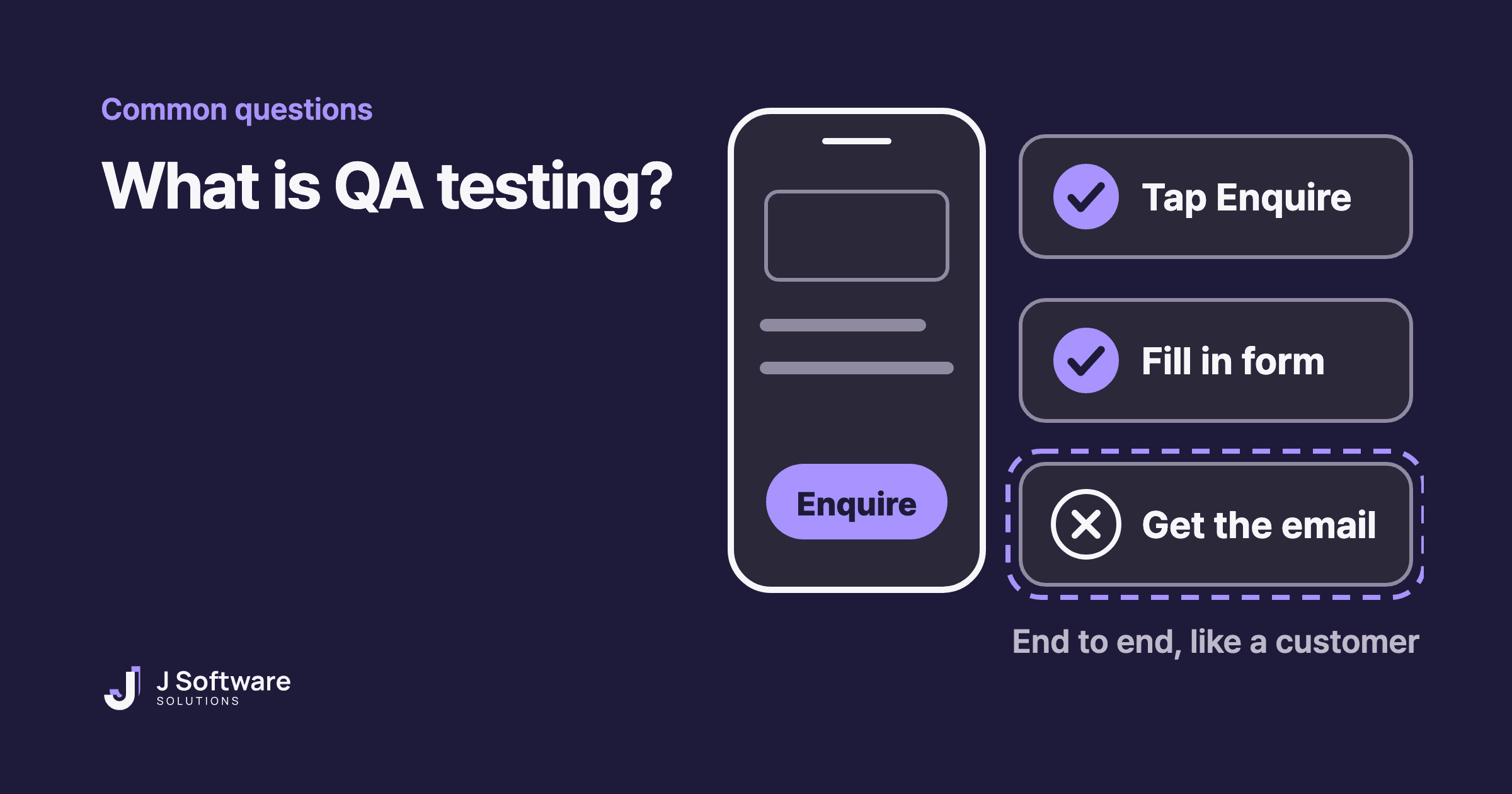
Your new website or app is nearly ready, and your developer mentions QA. What does that actually mean, and is there anything you should check yourself before it goes live?
This guide explains what QA testing is in plain English, how it differs from testing and quality control, and a simple checklist you can run yourself before launch.
The short answer
QA stands for quality assurance. IBM describes software QA as the process of making sure software is developed and maintained in a way that consistently meets quality standards. Put simply, it's how you make sure your website or app works properly before customers rely on it.
Most of it is your developer's job. But one part is yours: using the site the way a customer would, from start to finish.
QA vs testing: what's the difference?
People often use the words interchangeably, but they mean slightly different things.
- Quality assurance (QA): the whole process that stops problems happening in the first place. IBM puts it this way: QA deals with preventing defects by improving the processes used to build the software.
- Testing and quality control (QC): finding problems in what's been built. In IBM's words, quality control focuses on finding defects in a final product.
Think of a pre-handover inspection on a new home. Before you move in, you open the doors, turn on the taps and check the windows, and anything that isn't right gets fixed. Testing is that walk-through. QA is everything that makes it more likely the house was built right in the first place.
Why test before launch?
IBM notes that early software testing identifies issues before a product is released to the market. A problem found before launch gets fixed before a customer runs into it. After launch, the first person to find a broken form might be a customer trying to reach you.
Who tests what?
Your developer runs most of the tests, checking that each part works and that the parts work together. There's also testing done by the people who will actually use the system. IBM describes user acceptance testing (UAT) as testing performed by the end users, to confirm the system meets their needs and works in real-world scenarios.
As the business owner, that's where you come in. You know your customers, and you know what they're trying to do.
Five things to check before your website goes live
The Australian Government's business.gov.au says it's important to test your website before you launch it. Based on its advice, here's a simple order to work through:
- Go through it like a customer, from start to finish. Make an enquiry, a booking or a purchase. business.gov.au says to make sure customers can easily navigate the site and successfully buy your products or services.
- Check the very last step. For example, does the confirmation email arrive? Does the enquiry land in your inbox? Some problems only show up at the end, so stopping halfway won't find them.
- Click every link and menu item. business.gov.au suggests checking for broken links and menu items.
- Try it on your phone and a computer, in more than one browser. business.gov.au recommends navigating the site on different web browsers and devices. If pages feel slow on your phone, our website speed guide explains what to look for.
- Read everything one last time. Opening hours, phone number, address, service details. business.gov.au recommends a final review of all content to make sure it's correct.
If you find a problem
Tell your developer:
- Which page it was on
- What you did, step by step (for example: tapped Enquire, filled in the form, pressed Send)
- What happened, and what you expected to happen
- Which device and browser you used (for example: iPhone, Safari)
- A screenshot, if you can
The clearer the steps, the easier it is for a developer to see the same problem and fix it.
Testing doesn't stop at launch
IBM says testing is no longer a final step before release: it begins at the design planning phase and continues after deployment. When you add a page or change a form, it's worth running through the checklist again.
Launching with just the essentials and improving as you go? Our guide to what an MVP is explains that approach.
business.gov.au also suggests letting customers know when your website is live and giving them a way to provide feedback. That way, if something isn't working, they can tell you.
Working with a developer
Before the build starts, ask your developer two questions: what will they test, and when will you get to try the site yourself before it goes live? After launch, ask who looks after fixes and updates. Our hosting and care service covers that part.
Our honest take
You don't need to be technical to help with QA. Going through your own website once, like a customer, from the first tap to the confirmation email, is one of the simplest ways to make sure your customers don't find the problems first.
Planning a new website? Read what affects the cost of a small business website, or see our websites service.