Common questions
Vibe coding security risks: can your users see each other's data?
Broken access control, the top OWASP Top 10 risk, in plain English: how apps built with AI can show customers each other's data, and a checklist to test it.
Published
You've built an app with AI. Customers can sign up, log in and see their own orders. It all works when you test it. But there's a question that's easy to miss: can one customer see another customer's data? Here's what access control means, how it goes wrong, and how to check it yourself.
The short answer
Logging in tells your app who someone is. Access control decides what they're allowed to see and do. The OWASP Authorization Cheat Sheet puts it this way: authorisation is distinct from authentication, which is the process of verifying someone's identity.
OWASP's Top 10 list describes access control as making sure users can't act outside their intended permissions. Broken access control is number one on the 2025 list of web application security risks.
Broken access control examples
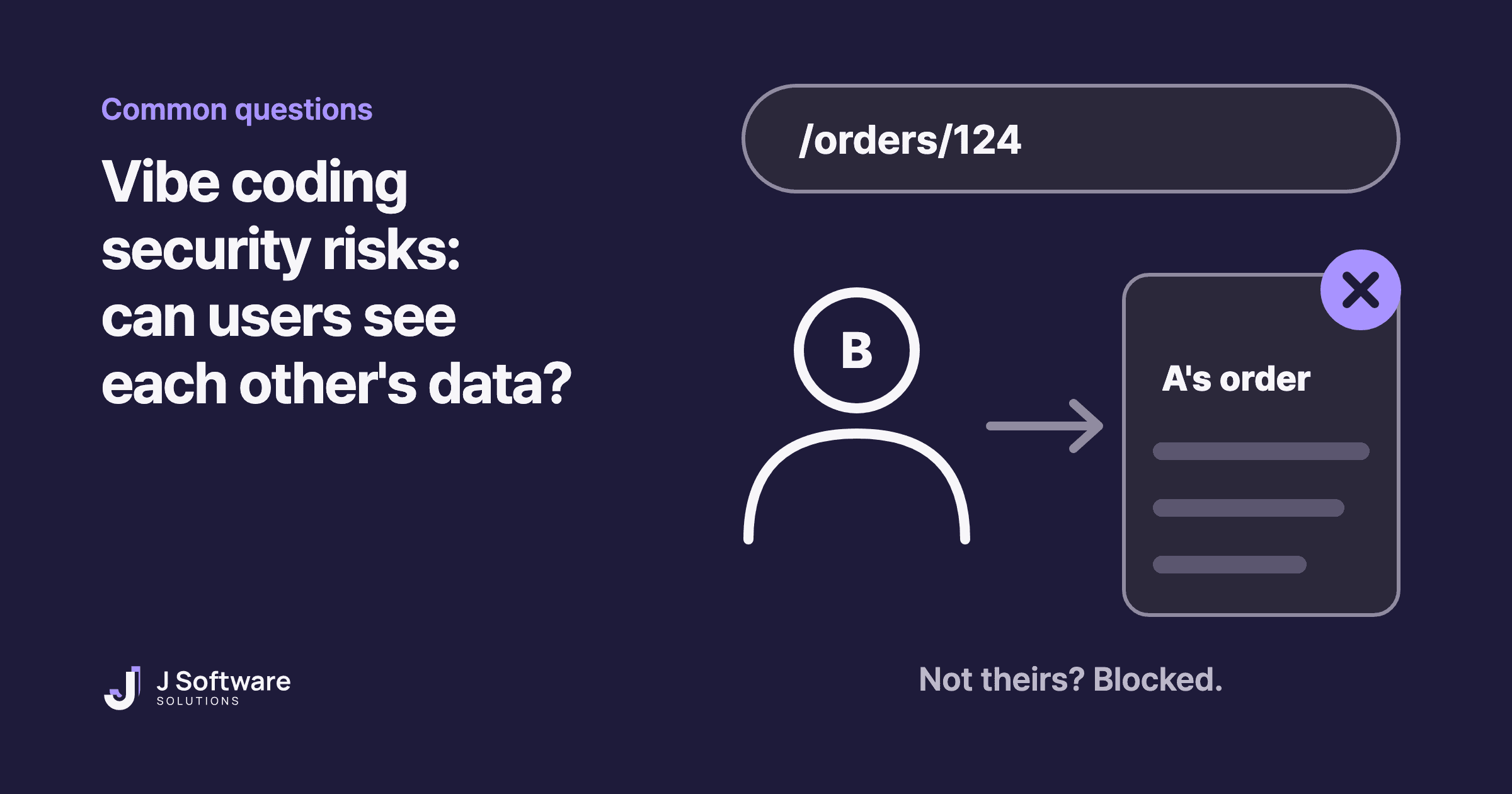
- Changing a number in the address. Say a customer's order page is at /orders/123. If someone changes it to /orders/124 and sees another customer's order, that's access control failing. OWASP's IDOR guide uses this exact kind of example: changing an ID in the address to reach another user's information.
- Hiding a button, but not the action behind it. The app may hide the "Delete" or "Admin" button from normal users. But if the request behind that button still works when sent directly, anyone who finds it can use it. OWASP lists APIs with missing access controls for creating, changing or deleting data as a common problem.
- Reaching pages you shouldn't. OWASP also lists acting as a user without being logged in, and a logged-in user getting admin access, as common access control failures.
Why vibe coding makes this easy to miss
When you test your own app, you're usually logged in as yourself, looking at your own data. Everything works, so it looks finished. The problem only shows up when you try it as someone else.
AI tools build what you ask for. If you ask for an order page, you'll get an order page. Whether it checks who's asking may depend on what you asked and what you check. IBM advises treating AI-generated code as untrusted input, and says human review remains the final barrier before security problems go live. For more on what AI does well, see our guide to building an app with AI.
Access control checklist: test it yourself
You don't need to read the code for these. You just need two test accounts.
- Swap accounts. Make two test accounts, A and B. Log in as A, open a page with A's data (an order, a profile, a booking) and copy the address. Log in as B and open that address. B should be blocked.
- Log out and try again. Open the same address while logged out. You should be sent to the login page, not shown the data.
- Try the admin pages as a normal user. Log in as a normal account and type in the address of an admin page. It should be blocked.
- Change the number. If an address has a number in it, change it by one. You should never see someone else's data.
Questions to ask your developer, or your AI
These checks happen in the code, so ask:
- "Is the permission checked on the server, on every request?" OWASP says developers must never rely on client-side access control checks, and that permissions should be validated on every request. Hiding something in the browser isn't the same as blocking it.
- "Is it closed by default?" OWASP recommends denying access by default, except for public resources. New pages and actions should start locked and be opened on purpose.
- "Does it check who owns the record?" OWASP recommends access controls that enforce record ownership, so users can only see and change their own data.
- "Are random IDs our only protection?" Long, random IDs are harder to guess, but OWASP says access control checks are still essential even with complex identifiers.
- "Do we log blocked attempts?" OWASP recommends logging access control failures and alerting admins when appropriate, such as repeated failures.
If you find a problem
Fix it on the server before anything else, then repeat the checks above with both test accounts. If real customers are already using the app, check your logs to see whether anyone reached data that wasn't theirs. A developer can help you work out what was exposed and what to do next.
Our honest take
Building with AI is a great way to get an idea working. But once your app has logins and customer data, "it works for me" isn't the same as "it's safe". A quick check with two test accounts can catch the problem before a customer does.
Keeping keys safe is the other half: see our API key security checklist. And QA testing covers checking the rest of your app before launch.