Common questions
Vibe coding security: how to keep your API keys safe
Vibe coding security in plain English: how API keys get exposed on GitHub, in the browser or in logs, a checklist before you push, and what to do if one leaks.
Published
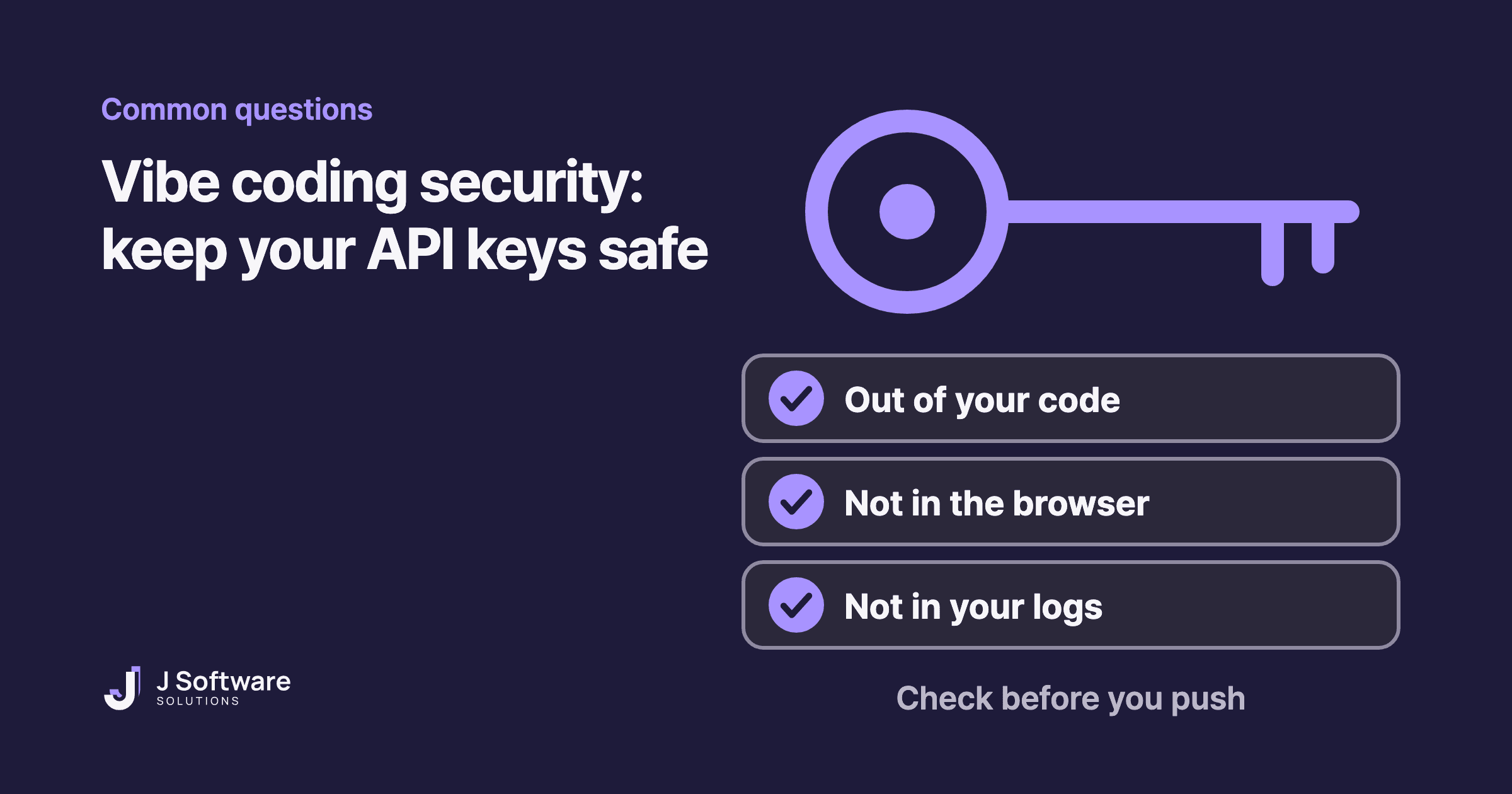
Building an app with AI is quicker than ever. But one mistake keeps coming up: an API key ends up on GitHub, in the browser or in a log file. Here's what that means, how it happens, and a checklist to avoid it.
The short answer
An API key is like a password that lets your app use another service, such as payments, email, maps or AI. If someone else gets it, they can use that service as if they were you. GitHub's documentation lists API keys alongside passwords and tokens as credentials it looks for, and says to rotate a leaked credential immediately to prevent unauthorised access.
How API keys get exposed
Most leaks happen in one of three places:
- In code pushed to GitHub. If a key is written straight into the code (hardcoded), it goes wherever the code goes. Google Cloud's API key guidance warns that keys hardcoded in source code or stored in a repository are open to interception or theft. GitHub's secret scanning checks the entire Git history on all branches for hardcoded credentials, not just the latest version of the code.
- In code that runs in the browser or app. A key placed in browser or app code goes out with that code to every user. Google Cloud's guidance is not to include API keys in client code at all. Instead, the browser or app should send requests to your server, which adds the key.
- In logs. When something breaks, it's tempting to print everything to find the problem, keys included. The OWASP Logging Cheat Sheet lists access tokens, passwords, database connection strings and encryption keys among the data that should usually not be recorded directly in logs.
Why vibe coding makes this easier to miss
When AI writes the code, it's easy to accept changes you haven't read. IBM advises treating AI-generated code as untrusted input, and says human review remains the final barrier before security problems go live. It also points to the risk of giving an AI agent local access to your files, credential stores and terminal.
That doesn't mean you shouldn't build with AI. Our guide to building an app with AI covers where it works well. It just means checking a few things before you push.
Vibe coding security checklist: before you push
- Keep keys out of your code. Put them in an environment file (such as .env) and read them from there. Then add that file to .gitignore, which tells Git which files to ignore when you commit.
- Keep secret keys on the server. Check which keys end up in browser or app code. Let your server add the key, not the browser or app.
- Don't print keys in logs. Before you push, remove any debugging lines that print keys, tokens or request headers.
- Give each key only the access it needs. The OWASP Secrets Management Cheat Sheet says the least privilege principle should be applied. If a service lets you limit what a key can do, use it.
- Turn on secret scanning and push protection. On GitHub, push protection blocks pushes that contain secrets instead of alerting you after the fact, and secret scanning runs automatically for free on public repositories.
- Read what the AI changed. Look through the changes before you push, especially new files and settings. Version control shows you exactly what changed and lets you go back if something's wrong.
What to do if an API key leaks
- Revoke or rotate the key first. GitHub says this is the first step. Once a key is revoked or rotated, it can no longer be used for access.
- Then fix the code. Move the new key into an environment file. GitHub notes that rewriting the history to remove the old key is time-intensive and often unnecessary once it has been revoked.
- Check the service for use you don't recognise. Look at the service's dashboard and billing for activity you didn't expect.
Deleting the file on its own isn't enough, because the key may already have been copied. GitHub points out that you can't remove sensitive data from other people's clones of your repository, and it stays in any forks.
OWASP also recommends rotating secrets regularly, so a stolen key only works for a short time.
Our honest take
Vibe coding is a great way to try an idea. But once your app handles customer details, payments or logins, it's worth having a developer review it before launch. A key in the wrong place is easy to fix before launch and much harder to clean up after.
Planning an app? Start with a website brief, and see how QA testing catches problems before your customers do.
Sources
- GitHub Docs: Secret scanning
- GitHub Docs: Push protection
- GitHub Docs: Removing sensitive data from a repository
- OWASP Cheat Sheet Series: Secrets Management
- OWASP Cheat Sheet Series: Logging
- Google Cloud: Best practices for managing API keys
- GitHub Docs: Ignoring files
- IBM Think: Vibe coding security risks aren't like ordinary security risks