Common questions
What is a website brief? What to include, with a simple template
What is a website brief? A plain-English guide to what goes in a website or app requirements document, plus a simple template to use before hiring a developer.
Published
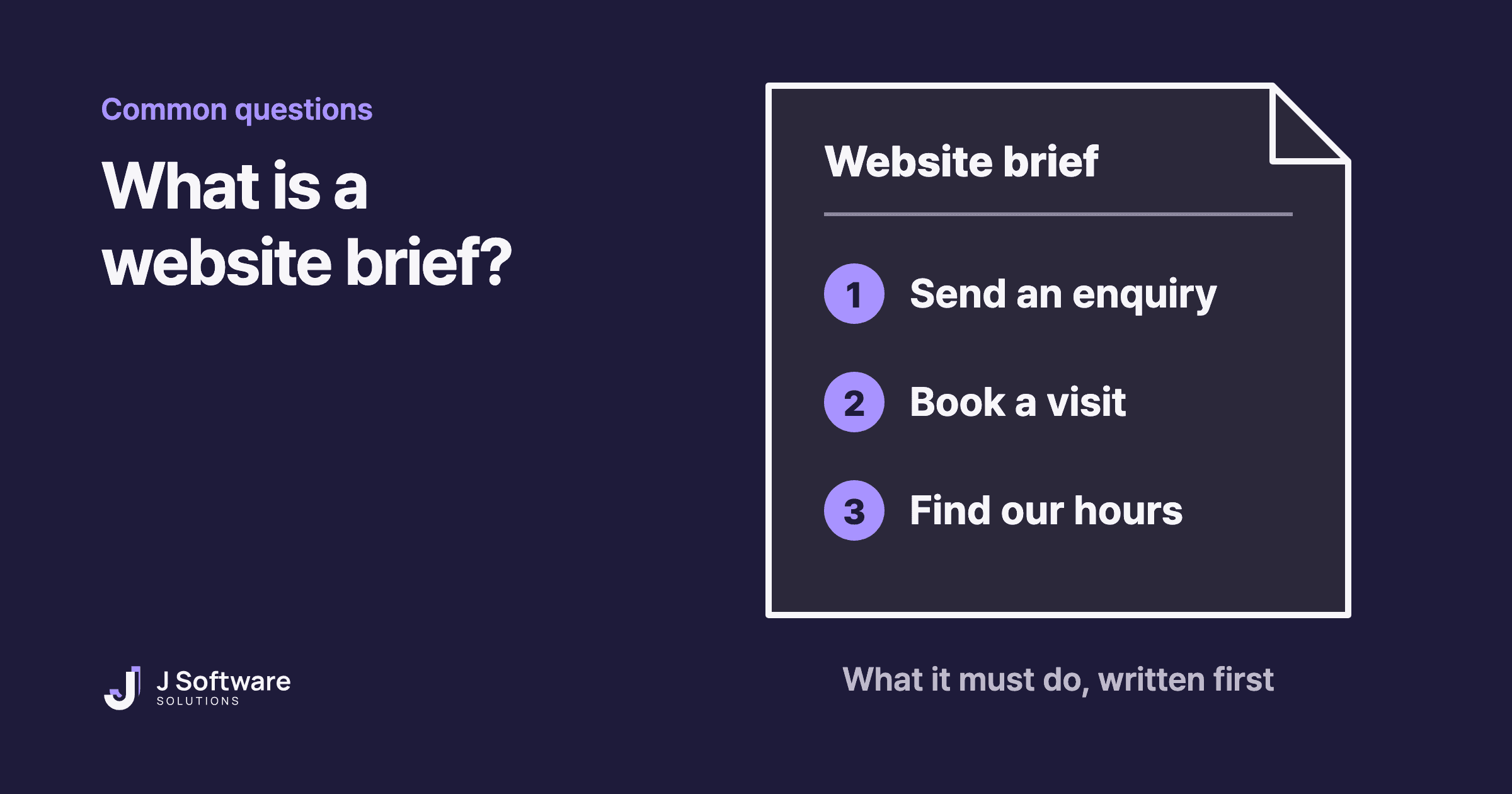
You're about to get a website or app built, and the developer asks for a brief. Or you've heard the words requirements document or SRS. What are they, and what should you actually write?
This guide explains what a website brief is in plain English, what goes in it, and gives you a simple template to fill in before you talk to a developer.
The short answer
A website brief is a written description of what you want your website or app to do. Developers sometimes call the detailed version a software requirements specification (SRS). TechTarget describes an SRS as a document that fully describes what the software will do and how it is expected to perform.
Your brief doesn't need to be that formal. A page or two in plain English is a good start. It's the version written from your side: your business, your customers, and what they need to be able to do.
Why write one before you hire a developer?
Think of a made-to-measure suit. Before any fabric is cut, the tailor takes your measurements and writes them down. That way, you and the tailor are talking about the same suit.
Software works the same way. TechTarget notes that a requirements document gives everyone on the project the same information, so the teams are in agreement. IBM warns that inadequately defined requirements can result in scope creep, project delays, cost overruns and poor product quality.
A brief also gives you something concrete to share when you ask developers for a quote.
What does a formal requirements document include?
A full SRS on a large software project is detailed. TechTarget lists sections such as:
- Purpose and scope: what the software is for and what the project covers
- Functional requirements: what the system should do. IBM's example is that the software should let users sign in with their accounts
- Nonfunctional requirements: how well it should work, such as security, performance and usability
- Constraints and assumptions: limits set by the customer, and what the team expects to happen during the project
For a small business website, you don't need all of that. But two ideas are worth keeping: what it must do, and how well it must do it.
What to put in your website brief
The Australian Government's business.gov.au guide to setting up a website starts with planning: your goals, the tasks customers will want to do, and the pages you need. Here's a simple order to follow:
- Your goal. What should the website achieve? business.gov.au gives examples such as being a digital shopfront for your business or increasing customer engagement.
- What customers must be able to do. business.gov.au suggests thinking about the tasks customers will want to do on your website. Write each one as a short line: send an enquiry, book an appointment, place an order.
- The pages you need. For example: about us, services, contact details or a contact form, FAQs, and customer reviews.
- How it should work. business.gov.au lists usability, mobile compatibility and accessibility among the things to consider when designing a website. In your brief, that might be: easy to use, works well on phones, and accessible to people with disability.
- What you'll update yourself. Business Queensland says you should know how to update content yourself, especially if a web developer has built your site. List the things you'll want to change without calling anyone, like opening hours or notices. Our CMS guide explains how that works.
- What you already have. A domain name, logo, photos, written content or an existing website.
- Must-haves and nice-to-haves. IBM includes prioritising needs by what's most valuable to the business and end user as part of managing requirements. Mark what you need at launch and what can wait.
A simple website brief template
Here's an example for a made-up physiotherapy clinic. Copy the headings and fill in your own.
- Business: a small physiotherapy clinic with one location
- Goal: more new patients getting in touch
- Customers must be able to: see our services, find our location and hours, send an enquiry, call us
- Pages: Home, Services, About us, FAQs, Contact
- Must have at launch: an enquiry form that emails the clinic, works well on phones, phone number on every page
- Nice to have later: online booking, a blog
- We'll update ourselves: opening hours, team photos, holiday notices
- We already have: a domain name, logo and photos of the clinic
- Questions for the developer: Is mobile optimisation included? How will changes be handled once the build starts?
That's enough for a first conversation. Your developer can ask questions and help fill in the gaps.
You don't need to decide everything up front
Requirements change as a project goes on. TechTarget says requirements will often evolve, and failing to manage changes can lead to confusion, rework and project delays. Rather than trying to get everything perfect up front, agree on how changes will be handled.
Many teams also work with lighter documents. TechTarget notes that agile teams often use user stories instead of a full SRS, which works when the customer is easily available during development to clarify what's needed. In other words, staying involved matters as much as the document.
Starting small? Our guide to what an MVP is explains how to launch with just the essentials.
Working with a developer
Share your brief before asking for a quote, then ask: Is anything unclear? What would you add? How will changes be handled once the build starts? Business Queensland also suggests asking whether mobile optimisation is included in the build, and asking for basic training in updating content if you need it.
Your brief is useful at the end, too. Before launch, go through it line by line and check each item works. Our QA testing guide explains how.
Our honest take
A brief doesn't have to be long or technical. Writing down, in a few plain lines, what your customers must be able to do is one of the simplest ways to make sure the website you get is the one you had in mind.
Planning a new website? Read what affects the cost of a small business website, or see our websites service.