Common questions
Vibe coding security best practices: which accounts need MFA first?
Multi-factor authentication for small business, in plain English: which accounts behind your website or app to secure first, from GitHub to your domain.
Published
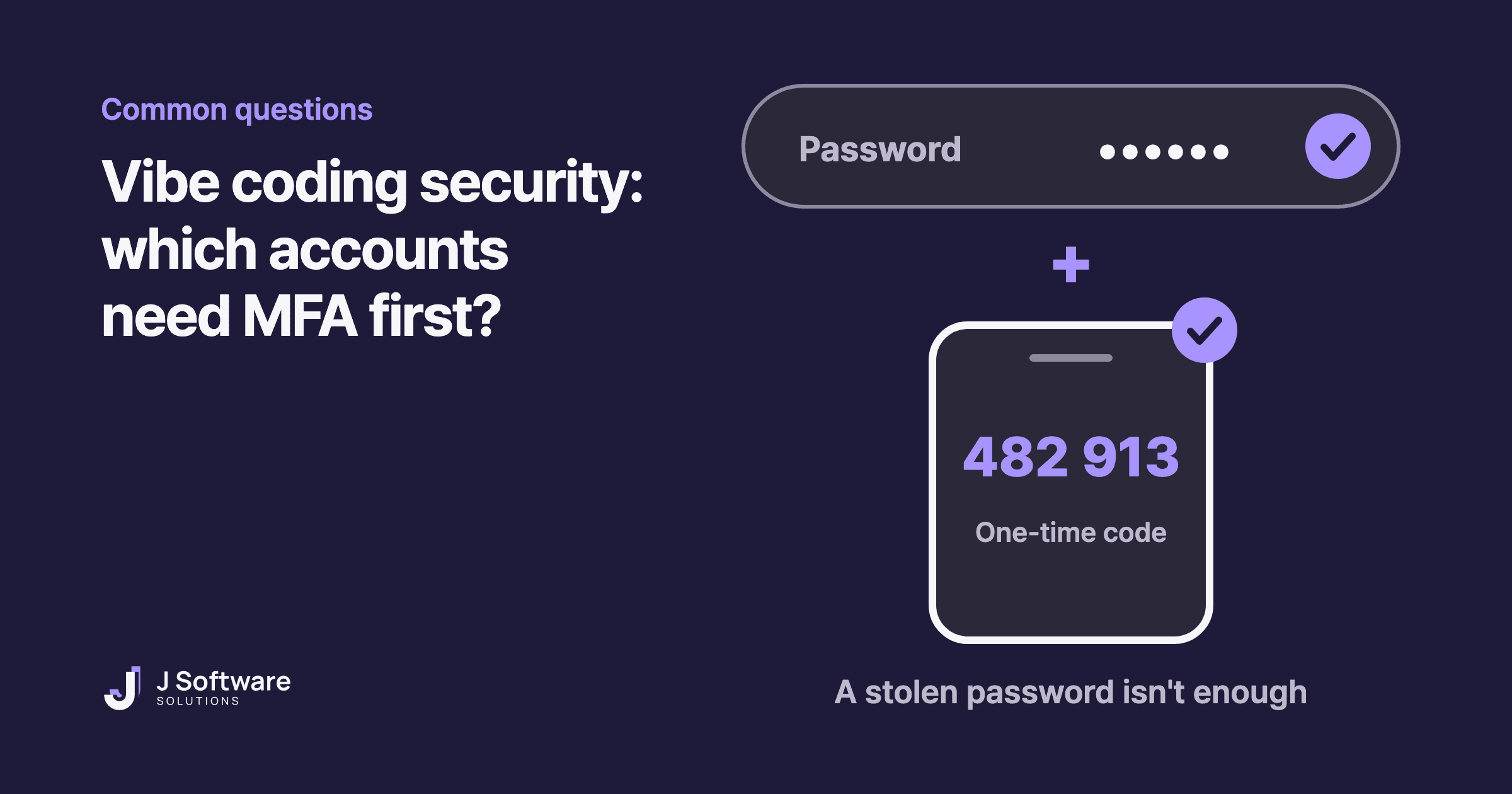
Your website or app runs on a handful of accounts: your email, where your code lives, your hosting, your domain, and the AI or payment services it connects to. Whether you built it yourself with AI or hired a developer, someone who gets into one of those accounts can change your site or take its keys. Multi-factor authentication (MFA) is one of the simplest ways to protect them. Here's which accounts to start with, and which kind of MFA to choose.
The short answer
MFA adds a second step when you log in, on top of your password. Australia's cyber security centre (ACSC) calls it one of the most effective ways to protect business accounts, because a stolen password alone can't be used to get in.
Services call it different things: two-factor authentication (2FA), two-step verification or MFA. The setting is usually under account security.
Which accounts need MFA first
The ACSC suggests starting with high-risk accounts, like email, banking, cloud storage, accounting software and social media. For a website or app, these are the ones to check:
- Your email. Password reset links are sent to your email, so whoever controls your inbox may be able to get into your other accounts too. Start here.
- Where your code lives. For example, GitHub. Anyone who gets in can change your code. GitHub required everyone who contributes code on its site to turn on 2FA from March 2023.
- Hosting and cloud. This is where your website or app actually runs. These accounts can hold your settings, your API keys and your customers' data.
- Your domain. The account where you bought your web address. Whoever controls it can point your address somewhere else.
- AI and payment services. Anything that charges you by usage or handles payments. Someone who gets in could run up charges or reach your keys. Our API key security checklist covers the keys themselves.
- Your password manager. It holds the passwords to everything else. The ACSC recommends protecting it with MFA and a long, unique master password.
Which kind of MFA is best?
Not every second step is equally strong. Here's how the ACSC describes the main options:
- Passkey: a more secure way to log in than a password. It also helps stop someone tricking you into logging in to a fake website.
- Security key: a small device you plug in or connect wirelessly.
- Authenticator app: an app on your phone that makes a new one-time code.
- SMS or email code: the least secure option, because SMS and email accounts are easier to compromise.
So where you can, choose a passkey, security key or authenticator app over text messages. GitHub's guide says the same: it strongly recommends an authenticator app instead of SMS, and notes that SMS can be intercepted. GitHub also doesn't let a passkey or security key be your first method, so an authenticator app is a good place to start there.
The ACSC's advice is to turn on MFA wherever it's available. If SMS is the only option a service offers, use it. It's still better than a password alone.
Before you turn it on: save your recovery codes
If you lose your phone, you could be locked out of your own account. Services like GitHub give you recovery codes when you set up MFA. GitHub recommends saving them in a secure password manager, and setting up more than one way to log in.
Questions to ask your developer
If someone else built or looks after your website or app, ask:
- "Which accounts does our website or app depend on?" Email, code, hosting, domain and any outside services. Get the list.
- "Is MFA on for every one of them, including the logins you use?" Every person with access is another way in.
- "Whose name are the accounts in, and who has access?" When someone stops working on your project, remove their access.
- "Where are the recovery codes kept?" So nobody gets locked out.
Our honest take
AI makes it easier to get a website or app working. But the code is only part of it. The accounts behind it need protecting too, and MFA is the place to start.
Next, check your API keys and who can see what in your app. And website maintenance covers looking after it once it's live.