Common questions
Vibe coding cost: how to set API spend limits and alerts
Spend alerts tell you, API spend limits stop it. How to avoid a surprise bill from OpenAI, Claude, Gemini, cloud and hosting, and where to set limits.
Published
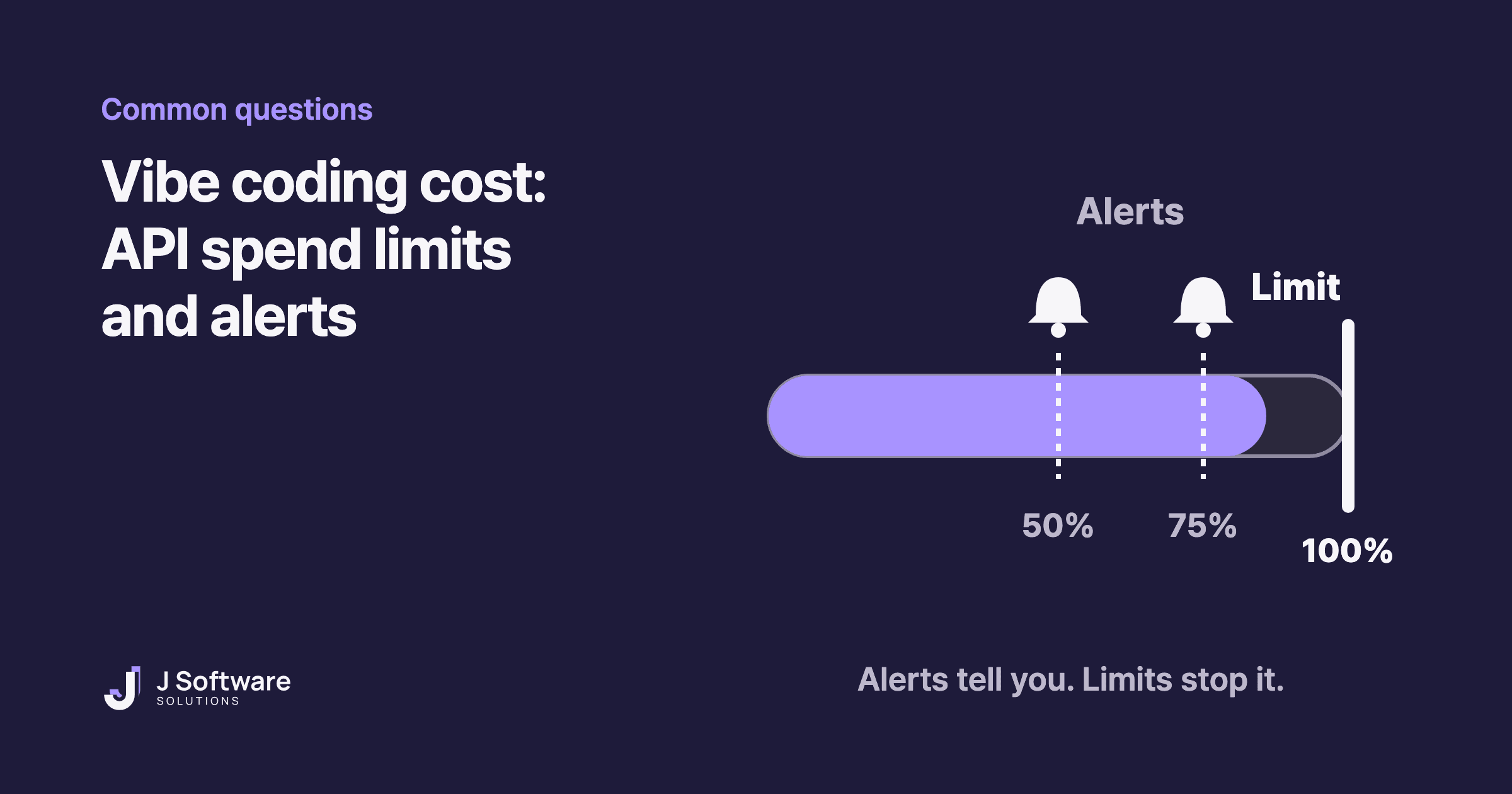
Your website or app may run on services that charge by usage: hosting, cloud and AI. If usage jumps, from a busy month, a bug that keeps sending requests, or a leaked API key, the bill can jump with it. Most of these services give you two tools for this: spend alerts and spend limits. They sound alike, but they do different things.
The short answer
A spend alert tells you when spending reaches an amount. A spend limit stops usage when it gets there. The billing docs from Google Cloud, OpenAI and Vercel all make the same point: a budget or alert on its own doesn't stop spending.
What a spend alert does
You set an amount, and the service emails you as spending gets close to it. Vercel, for example, sends notifications at 50%, 75% and 100% of a budget. But OpenAI's guide says it plainly: spend alerts don't enforce a cap, and traffic continues. Google Cloud says the same about budget alerts: they don't automatically stop the use or billing of your services.
Alerts can also arrive late. AWS notes there can be a delay between a charge and the notification, so costs can pass your threshold before you hear about it. Google Cloud says a new budget may take several hours to send its first notification.
What an API spend limit does
A limit actually stops usage. With an OpenAI hard spend limit, requests return an error until you raise the limit or the next month starts. Vercel can pause production deployments when a budget is reached, which makes your website, APIs and functions unavailable to visitors until you resume them. Google Cloud spend caps pause usage of an eligible service, such as the Gemini API, in a single project. And in the Claude Console, once usage reaches a monthly spend limit you set, API requests return an error until you raise or remove the limit.
Using the OpenAI, Claude or Gemini API? Look for these settings: spend limits and alerts in your OpenAI organisation or project, spend limits and email notifications in the Claude Console, and budgets and spend caps in Google Cloud.
Limits have catches too
- They aren't instant. Usage is counted with a delay. OpenAI says recorded spend can slightly exceed the limit. Google Cloud says you remain responsible for overage caused by reporting delays, and Vercel says projects can keep serving traffic for several minutes. Set the limit below what you can actually afford.
- Not everything stops. Google Cloud spend caps don't pause ongoing resources like storage, which keep charging. Vercel also keeps billing for stored resources while a project is paused.
- A limit can stop your service. When it's hit, your AI feature or even your whole site can stop working for customers. Decide where that's acceptable, and where an alert is the better choice.
Checklist: set them up
- List every service that charges by usage. Hosting, cloud, AI, email sending. Note whose account each one is on.
- Turn on alerts at a few steps. For example at half, three quarters and the full amount. Send them to an email someone actually reads.
- Add a limit where a pause is fine. A test project or an internal tool is an easier place to start than your live website.
- Set limits below what you can afford. They take a little time to kick in.
- If an alert fires unexpectedly, look into it. Check for a bug that repeats requests, or a key that may have leaked. If a key leaked, replace it first.
Questions to ask your developer
- "Which services charge us by usage, and whose account are they on?" Get the list.
- "Where do billing alerts go?" If they go to an inbox nobody checks, they won't help.
- "Is there a spend limit, and what stops working if we hit it?" Know this before it happens, not after.
Our honest take
This month, the hosting service behind projects we manage emailed to say it was changing how it charges for builds. The first thing we did was check which plan each project was on and what we'd actually used. That's the habit worth building: an alert tells you early, a limit protects you from an unexpected bill, and neither replaces knowing what you pay for.
Next, check how your API keys are kept, and which accounts need MFA. And website maintenance covers looking after it once it's live.