Common questions
How to deploy a vibe coded app: why your localhost link won't open
Why a localhost link won't open for anyone else, and how to deploy a vibe coded app so customers can open it. A plain-English checklist from a developer.
Published
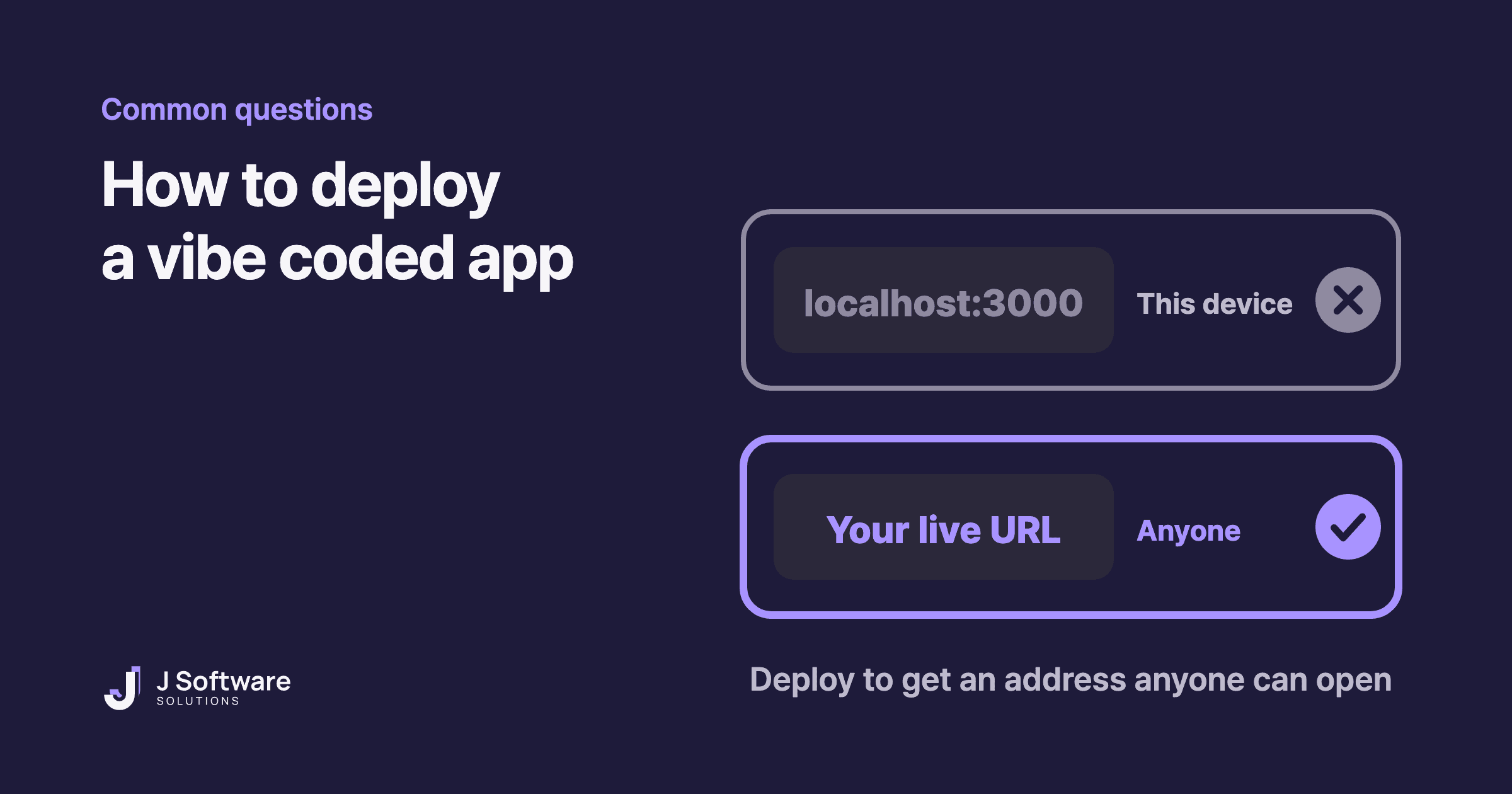
You built a website with AI. It works on your computer, so you send the link to a customer, and it won't open. If the link starts with localhost, that's expected: the site hasn't been deployed yet. Here's what that means, and how to get an address anyone can open.
The short answer
localhost always means "this device". On your laptop it points to your laptop. On a customer's phone it points to their phone. To let other people open your site, it has to go on a web server, and that's what deploying (or publishing) means. MDN, Mozilla's guide for web developers, puts it simply: to publish a website, you need a web server.
Why a localhost link won't open for anyone else
When you run a site on your own computer, tools like Next.js give you an address such as http://localhost:3000 (Next.js docs). The name localhost is reserved: under RFC 6761, it always resolves to the loopback address, which is the device itself. So when someone else opens the same link, it points at their own device, where your site isn't running.
Same Wi-Fi? It might open, but only near you
Some development servers also accept connections from other devices on your network. The Next.js CLI docs describe its hostname option as useful for making the app available to other devices on the network. That's why your site may open on your phone at home, through an address like 192.168.x.x. These are private addresses, and under RFC 1918 they can't connect to anything outside your own network. A customer somewhere else can't open them.
To see what a customer will see, open the link on your phone with Wi-Fi turned off.
What deploying does
Deploying puts your site on a server and gives it a public address. You can rent space from a hosting service and upload your files, as MDN describes, or connect your code to a service that builds and deploys it for you. On Vercel, a deployment is the result of a successful build, and each deployment gets its own URL. You can also use a domain you own instead of the default address. GitHub Pages, for example, lets you swap its default address for any domain you own.
What to watch after the first deploy
- Changes need a new deployment. Editing code on your computer doesn't change the live site. Netlify explains that you always create a new deploy, and nothing goes live on the public URL until all the changes are uploaded. On Vercel, pushing to your production branch starts a new production deployment by default.
- Keys and settings need to be on the host too. API keys belong in your hosting service's environment variable settings, not in your code (here's why). Vercel notes that changes to environment variables only apply to new deployments, so redeploy after you change them.
- A preview isn't your live site. Services like Vercel create preview deployments, so you can test changes in a live setting without affecting the production site. Check which address you're sending.
Checklist before you send the link
- Look at the address. If it starts with localhost or 192.168, it isn't deployed yet.
- Open it on your phone with Wi-Fi off. If it opens, people outside your network can open it too.
- Check your keys and settings are on the host, not in your code, and redeploy after you change them.
- After each change, check the new deployment is live before you tell anyone.
- Turn on MFA for your hosting account. Anyone who gets into it can change your live site. Here's which accounts need MFA first.
Questions to ask your developer
- "Where is our site deployed, and whose account is it on?" Get it in writing.
- "How do changes go live, and who checks them first?"
- "Is there a preview address we can check before changes go live?"
Our honest take
Deploying puts your site in front of people. What takes more thought is everything after it: where it's hosted, whose account it's on, how changes go live, and who keeps an eye on the bill. Sort those out before you send the link to customers.
Next, check that customers can't see each other's data. And website maintenance covers looking after it once it's live.
Sources
- MDN: What is a web server?
- RFC 6761: Special-Use Domain Names (localhost)
- RFC 1918: Address Allocation for Private Internets
- Next.js Docs: next CLI
- Vercel Docs: Deploying to Vercel
- Vercel Docs: Environments
- Vercel Docs: Environment variables
- Netlify Docs: Deploy overview
- GitHub Docs: About custom domains and GitHub Pages